


Are you tired of manually copying and pasting articles into your content management system? Our team at Agility Writer spent nearly two decades in the SEO trenches, facing those exact same frustrating bottlenecks before perfecting our API Integration.
A recent 2026 report by Hashmeta revealed that marketing professionals waste an average of 4.1 hours every week just on manual data entry.
That lost time directly hurts your ability to scale campaigns and reach local audiences in Malaysia.
We built this platform to eliminate this friction entirely. Choosing the right automation method is the first step to reclaiming your schedule. Let’s explore exactly how you can connect your systems and put your publishing on autopilot.
When to use API Integration vs Zapier vs WordPress plugin
We know that picking the perfect connection method can feel overwhelming at first glance. The right choice depends entirely on your technical skills and your daily workflow needs.
Here is a quick breakdown of your three main options:
- API: custom pipelines, complex routing, internal tools.
- Zapier: no-code automation across SaaS tools.
- WordPress plugin: direct publish to one or many WordPress sites.
The Power of the API
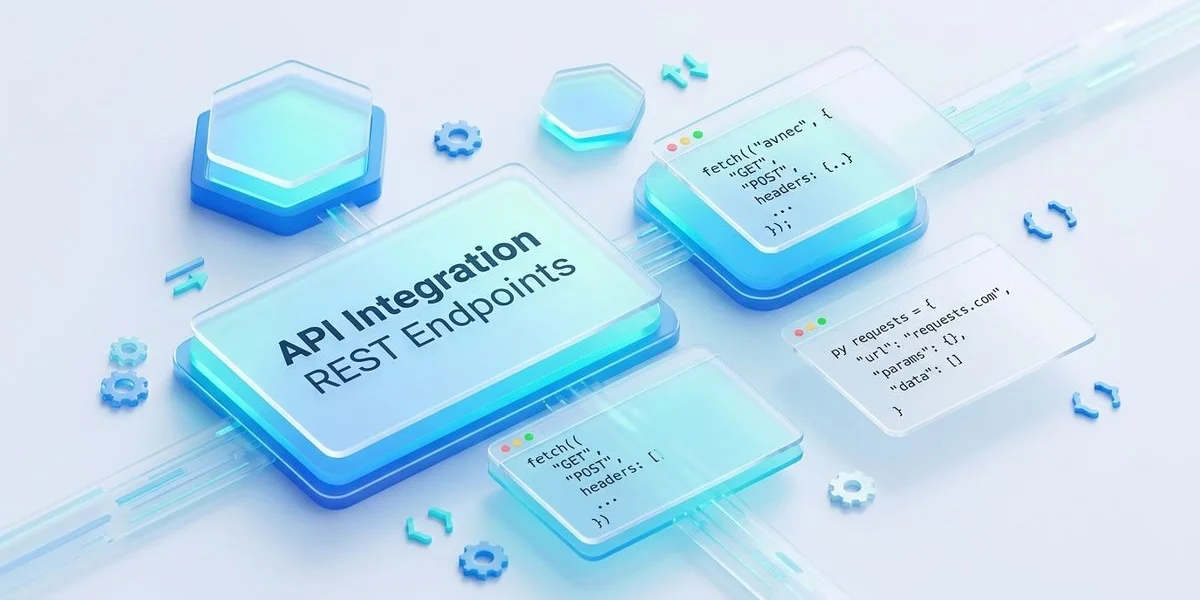
We often see enterprise engineering teams jump straight to the developer route for its ultimate flexibility. This approach supports custom pipelines, complex routing, and deeply integrated internal tools.
Recent 2026 data from SQ Magazine shows that 83% of businesses now use application programming interfaces to maximise their digital return on investment. Our custom connection helps large-scale marketing agencies reduce their development cycles by up to 40%.
You can build customised workflows that connect directly into your proprietary software. Building these connections requires dedicated developer resources and a solid technical foundation.
Zapier for No-Code Automation
Our integration with Zapier provides no-code automation across over 6,000 popular software tools. This platform acts as the perfect middleman for marketers who lack coding expertise.
Features like the new 2026 Zapier Copilot allow you to sketch out multi-step automation sequences using simple conversational prompts. We recommend this route if you want to push finished articles to HubSpot, Slack notifications, or social media scheduling apps instantly.
You can save dozens of hours a month by letting Zapier handle the repetitive routing tasks.
The WordPress Plugin for Direct Publishing
Our dedicated WordPress plugin remains the absolute fastest way to handle direct publish actions to one or many WordPress sites. Content marketers in Malaysia and beyond rely on this method to scale their local blogs quickly.
You bypass third-party platforms entirely and push fully formatted content straight into your live environment. We designed this plugin to handle the heavy lifting of formatting automatically.
Tools like this make it incredibly simple to grow your local search presence without touching a single line of code.
| Feature | API Integration | Zapier | WordPress Plugin |
|---|---|---|---|
| Best For | Engineering teams | Marketing agencies | Bloggers & SEOs |
| Technical Skill | High (Code required) | Low (No-code) | Zero (Plug & Play) |
| Setup Time | Days or Weeks | Minutes | Under 5 minutes |
| Primary Use Case | Product workflows | Cross-app SaaS routing | Direct blog publishing |
We find that most teams actually do not need the developer route to achieve their goals. Zapier and the plugin successfully cover most workflows for everyday content marketers.
The API earns its place specifically for engineering teams running content pipelines as part of larger product workflows. Our focus is always on guiding you to the simplest solution that gets the job done. Your setup should save you time, never create more work.
Sample workflow
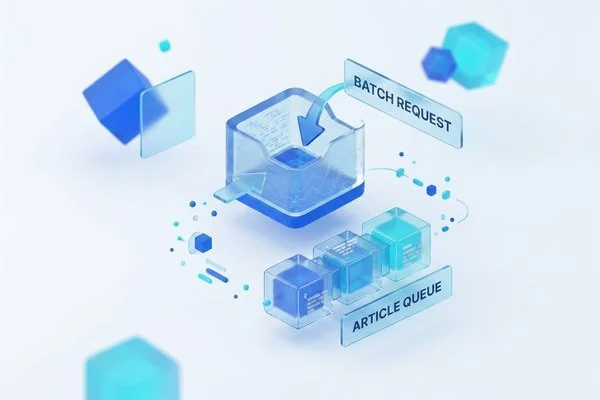
We have mapped out a highly efficient process for those who choose to build their own connections. This sequence ensures your system handles requests cleanly without timing out or losing data.
Data integration experts noted in a 2026 Integrate.io report that modern pipelines provide up to 250% higher returns when executed correctly. Our recommended sequence follows these exact steps:
- Read keywords from your internal content calendar (database, queue, etc.)
- POST to
/v1/generatewith the keyword, mode, and any custom knowledge - Receive a job ID
- Wait for the webhook callback (or poll the status endpoint)
- Fetch the completed article via
/v1/results/{job_id} - Pass to your next step (review queue, publishing, indexing)
This webhook callback method prevents your servers from wasting resources on constant polling. You simply send the initial request and wait for the system to ping you back upon completion.
Our documentation provides everything you need to get started. Code samples for the full pattern in JS and Python are in the developer docs.
We want to see your publishing pipeline run as smoothly as possible. Proper API Integration transforms a slow, manual chore into a fast, hands-off background process.
Take the next step today by reviewing the setup guide in your account dashboard.
Our support staff is ready to help you build the perfect automated content engine.